Solo author newsletter curation with Lighthouse - Faster process yielding higher quality links
Lighthouse is a content curation tool, and assumes what matters isn't where a link came from, but whether it's actually useful. The whole point is to help you subscribe to a huge number of feeds and newsletters and find the best articles, all without getting overwhelmed. This makes it a great fit if you run a curated newsletter.
Curation workflow before Lighthouse
Most curators use a feed reader (e.g. Feedly, Inoreader) to follow feeds and scan them for good links, optionally email software for following newsletters, and a bookmark manager to store and manage high-quality links.
None of these tools are specifically designed for curation, but currently they are the best that's available. They don't even have a feature to deal with clickbait and unclear titles.
Also, traditional feed readers don't have proper archiving and show read, unread, and starred items on the same page. This makes it difficult to keep a good overview of articles, which is why bookmark managers are necessary.
Because everything lives in different apps, the whole workflow is much more complicated than it needs to be. Links must be tagged twice, folders and views created twice, and so on. Also, each tool has to be paid for.
You get used to it, but it's a significant time waste.
Lighthouse combines all tools into one, making the whole process faster and smoother.
Separate areas for new, bookmarked, and processed items create a clear workflow
While feed readers focus on single feeds and show all items (read, unread, and starred) in one view, Lighthouse separates items by state, representing the curation stages: new items in inbox, bookmarked items in library, archived and dismissed items in archive.
The inbox shows new articles, and is the place for triaging. Interesting articles can be bookmarked to move them to the library. The others are dismissed to move them to the archive.
The library shows bookmarked articles, and is the place for organizing content and reading it. After reading they can be archived. Or dismissed if it turns out they weren't interesting.
The archive shows all archived and dismissed items.
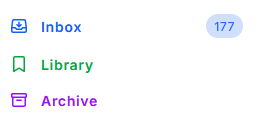
The separate areas create a clear flow:
- For interesting articles: New -> bookmarked -> archived
- For uninteresting articles: New -> dismissed
And make it much easier to keep an overview:
New items: not triaged yet Bookmarked items: interesting items not sent yet Archived items: interesting items already sent Dismissed items: uninteresting items
The inbox for a fast triage workflow that can be stopped any time
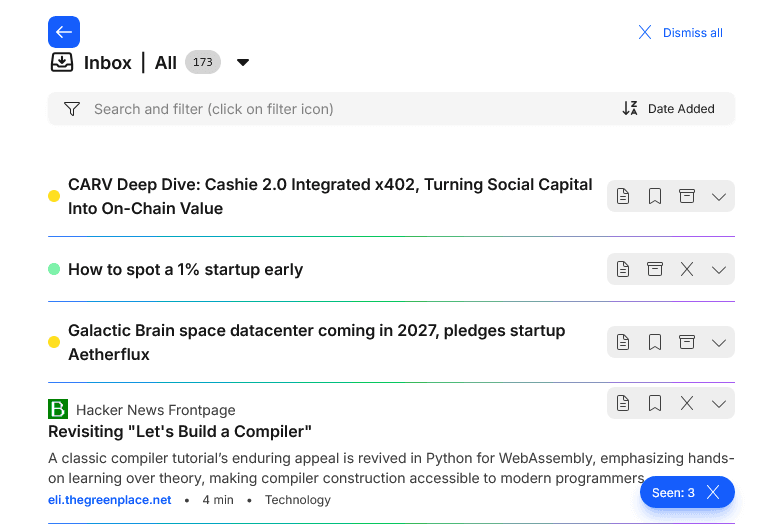
The Inbox in Lighthouse shows only new articles. It's where you do a fast skim - save what's interesting and dismiss the rest. Because it's a separate screen just for this quick pass, going through new links is a lot faster.
Seen (and not bookmarked) articles can be dismissed with a single click, at any time. They collapse to show their changed state, and the next time the inbox is loaded, they're gone and only new links show up.
This makes it possible to have many short triage sessions. Great when on the go, during the commute for example. And definitely more useful than scrolling Instagram.
One-sentence summaries to handle clickbait and unclear titles - and find gems others don't see
Clickbait and unclear titles cause a lot of wasted effort. You have to decide if you ignore the article and potentially miss a great one, or open it and potentially waste time. Both is a problem.
Lighthouse solves this by showing a one-sentence summary below the title. It's created from the article itself, so it tells you what the piece is actually about, not what the title is selling. So you can figure out if the title just sounds good or the article is actually worth including.
Since you don't have to open the article to know what it's about, triage is quicker and you can find pieces that others overlook.

Summaries and Ask AI to verify if articles cover the expected points without opening a separate tab
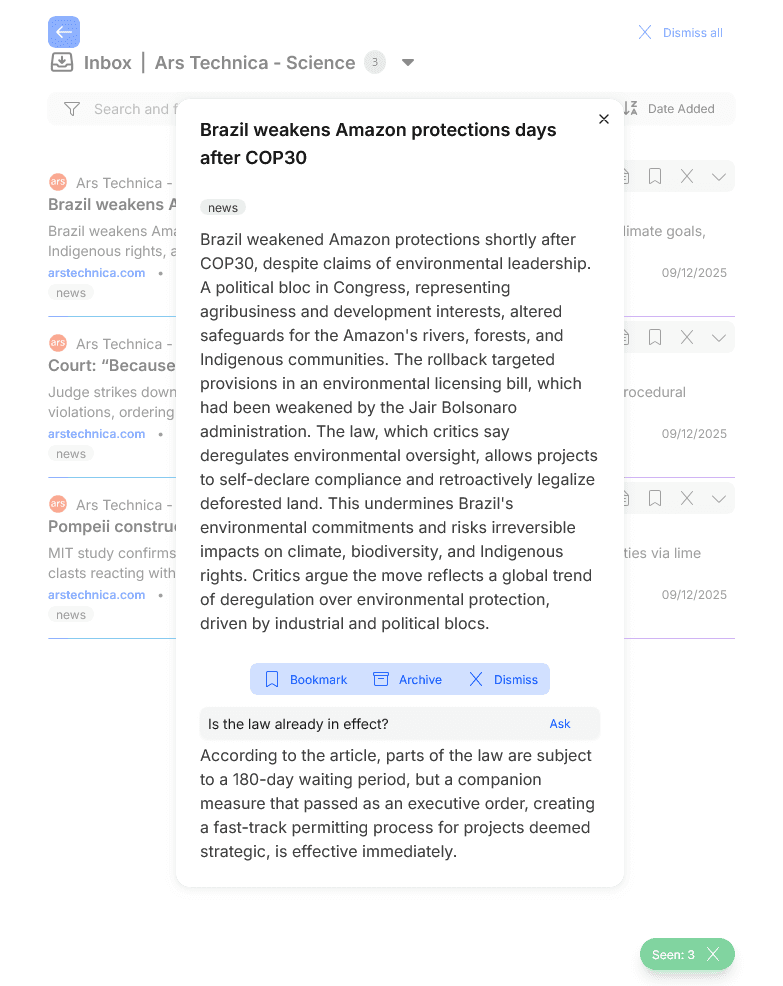
Lighthouse also creates longer summaries which help get even more information about articles before they have to be opened and read. And you can ask Lighthouse questions about an article to find specific pieces of information.
Deduplication to ensure links are seen only once and to remove the doubt of “haven't I seen this before?”
Reading an article only to realize halfway through that the same article already appeared half a year ago is annoying and a waste of time.
If the same link shows up from different places, Lighthouse groups them together and shows you all the sources. Regardless if the sources are feeds, newsletters, or you yourself by adding it manually.
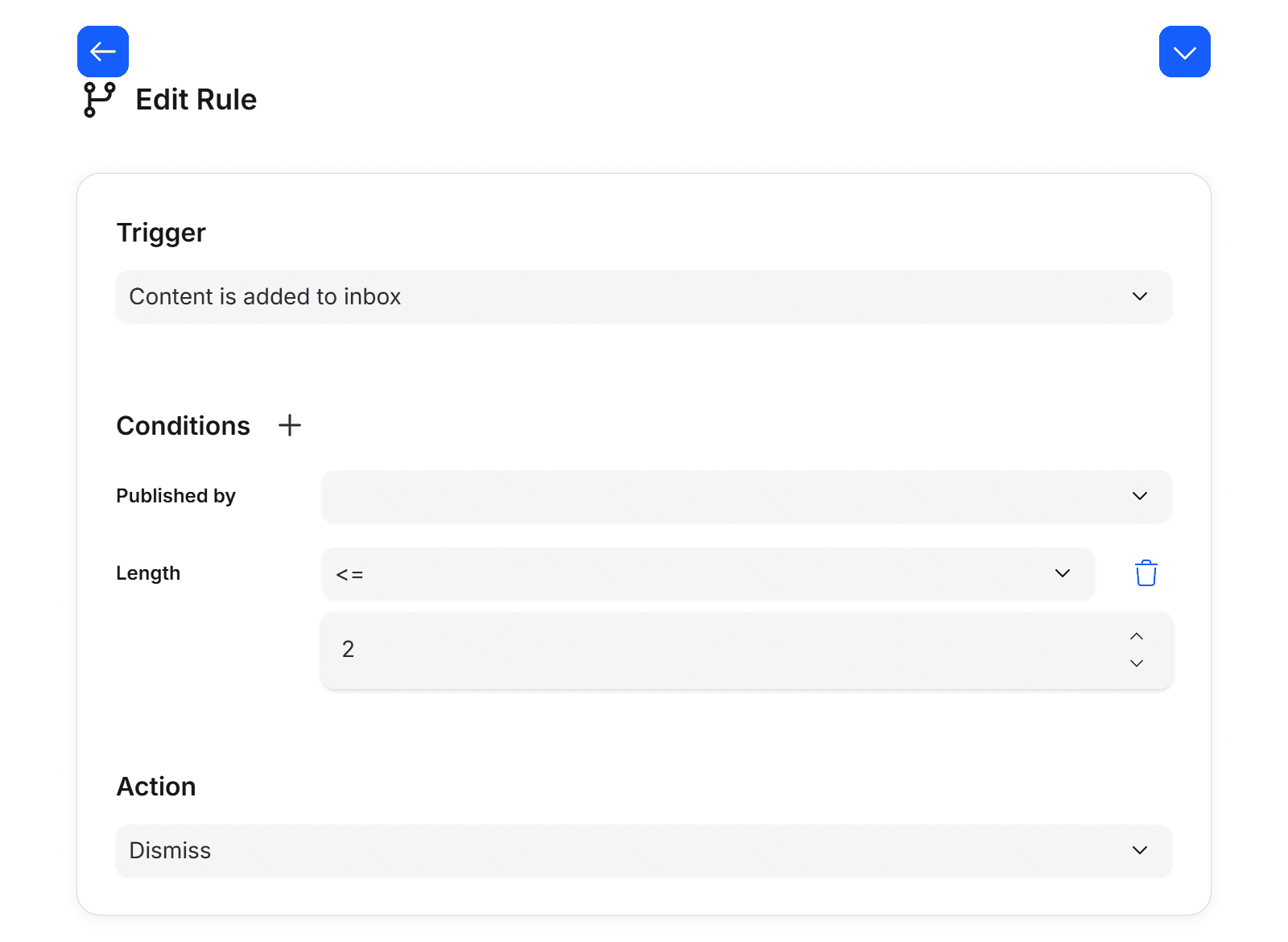
Rules to remove noise (e.g. <2 min length), paywalled articles, and more
Subscribing to a lot of feeds, or a few high-volume feeds, creates a lot of triage work. This work is the essence of curators, but why not automate some of it?
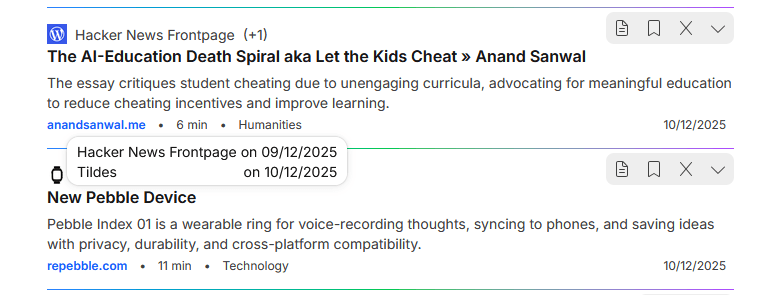
Feeds publish a high variety of articles: long and short, paywalled or free, different languages, different topics, and so on. It's an opportunity to significantly reduce manual triage work, and automatically remove articles that don't fit your newsletter.
You can set rules so certain kinds of posts never even make it into your inbox. For example, auto-dismissing all articles shorter than 2 minutes reading time, and all paywalled articles, already removes a significant portion.
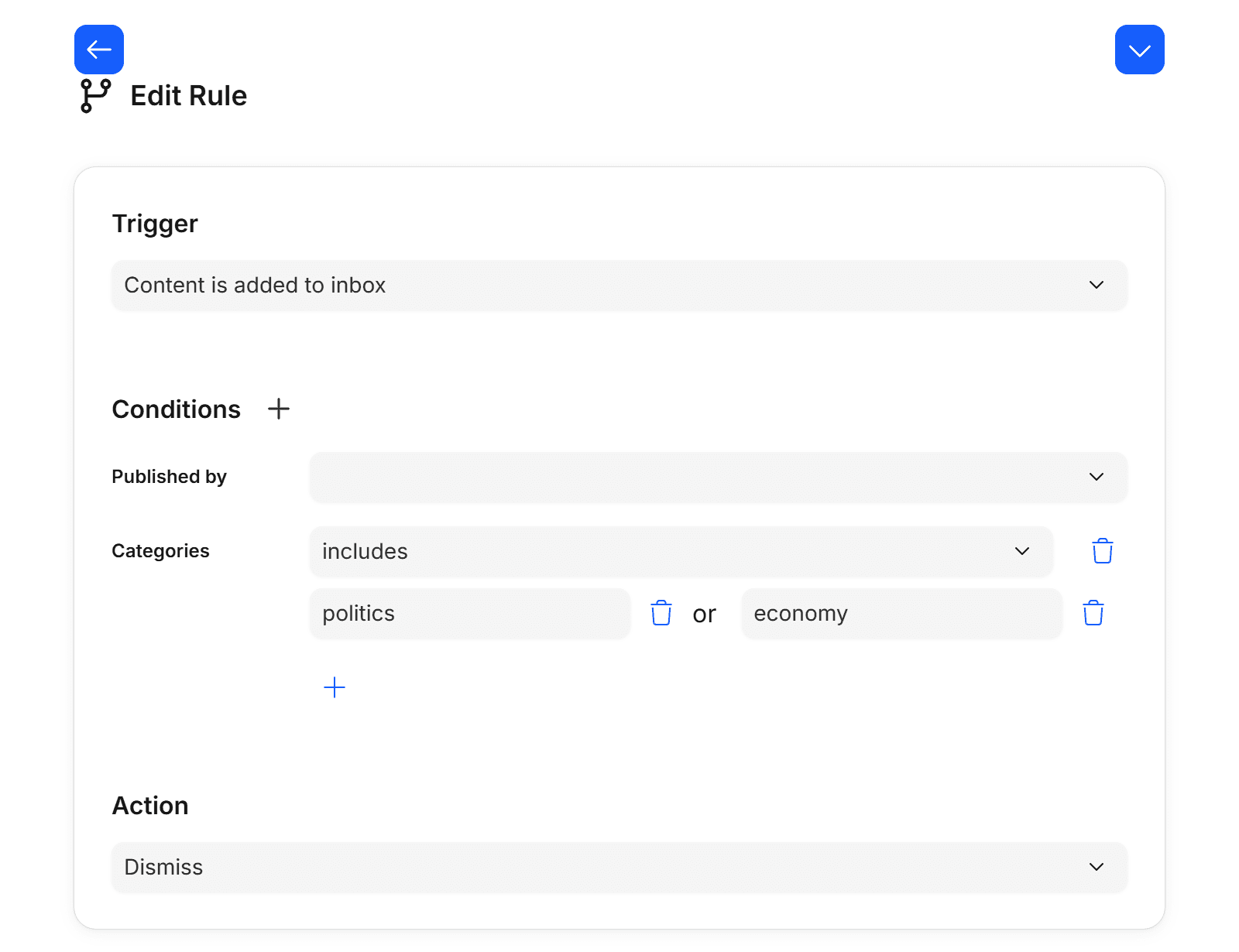
Category filters to cherry-pick select topics from high-volume feeds
Many feeds tag their posts by topic. For example the Politico feed, which adds more than 5 different (quite detailed) categories to each one.
Rules in Lighthouse can use those categories, and therefore make it possible to subscribe only to the topics you care about from noisy feeds. It cuts down the required effort for triaging articles even further.
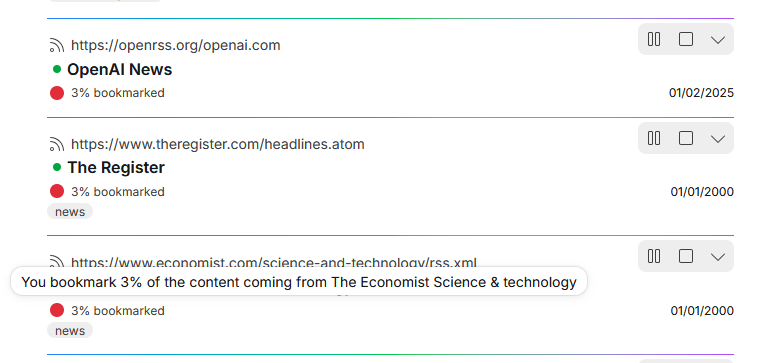
The bookmark ratio turns finding low-value feeds from a long process into a simple sort
The list of subscribed feeds grows over time, which increases the number of items. Over time, the signal to noise ratio suffers, and turns the fun task of triaging into a slog. It may even cause hesitation of adding new feeds, for fear of adding even more work.
Unsubscribing from low-value feeds and newsletters is a crucial process to keep the signal to noise ratio high and curation fun. Without Lighthouse, finding these low-value feeds is annoying guesswork. You're going by feel instead of actual numbers.
To fix that, Lighthouse shows what percentage of its posts you actually save. It turns the process of finding low-signal feeds into a simple sort.
This also makes it it easier to try new feeds. You don't have to overthink it upfront. Just add them, and if they're not useful, you'll see that in the numbers and drop them.